


Sheri Fink, the author of “Five Days at Memorial” and a producer of the TV adaptation, was recently interviewed at a premiere for the show. The book and the series are about life and death decisions doctors were forced to make when Hurricane Katrina knocked out electricity at Mercy Hospital, causing the life-preserving ventilators to fail.
What struck me was that during her red carpet moment, Sheri told the interviewer that she hoped people would think, “What are a couple things I can do in my own life that would make my family, my community, my workplace more prepared for… emergencies?”
I am not surprised Fink took the time to share that important message. She and I have been good friends since we were in medical school together, and she has always been focused on how to make things better for all people.
The truth is that preparing for potential crises, both small and large, is not something we humans are particularly strong at. In my line of work, I see countless people who forego medical screenings even though doing so can dramatically reduce the severity of a potential problem — think uncovering an early-stage tumor vs. a far advanced one.


Learn more about showing our movies in your school or community!
Join Screenagers filmmaker Delaney Ruston MD for our latest Podcast

Learn more about our Screen-Free Sleep campaign at the website!
Our movie made for parents and educators of younger kids
Learn more about showing our movies in your school or community!
Register your interest in bringing our new movie to your school or community
Today, I am not here to talk about preparing for major medical issues but instead preparing for potential tech troubles. While very minor in comparison, tech troubles can happen at any moment, and if I can inspire any reader to get their family to make one small move around tech, then I will feel accomplished. (And I thank Sheri for planting the seed of preparedness.)
Thinking about what I would write this week for Tech Talk Tuesday, and Sheri’s message, made me think about preparing for potential tech-related problems — from lost tech to tech failures. On a personal level, what could I do to lessen a tech emergency's negative impact on me, my family, and my work? And equally important, I realized it was a good time to talk with my husband and kids about what they were doing to be prepared for possible digital calamities.
Here are four key things I did.
I had to consider whether I’d know what numbers to call. I know my husband’s number, but not my kids! So now, I’m working on memorizing my kids’ numbers. I checked with my family to ensure they know at least one of our numbers by heart — they do.
Many are backed up, but I needed to get them more organized. Also, drives get old, and if they have not been rebooted for a long time, they might not start up again. I decided to check those old drives and transfer the contents to newer ones. Finally, I asked my neighbor if I could store some of my backup drives at her home in case anything were to happen at my home — theft, fire, etc.
Learn more about showing our movies in your school or community!
Join Screenagers filmmaker Delaney Ruston MD for our latest Podcast
Learn more about our Screen-Free Sleep campaign at the website!
Our movie made for parents and educators of younger kids
Join Screenagers filmmaker Delaney Ruston MD for our latest Podcast
Register your interest in bringing our new movie to your school or community
LastPass is a browser extension that keeps track of all the passwords attached to different accounts.
I had these systems in place for our accounts on my end, but I wanted to be sure he did too.
There are, of course, many other tech-related safety measures we all can take to ensure that we will be prepared for the unexpected.
In the same way that Sheri’s YouTube inspired me, I hope this Tech Talk Tuesday post will inspire you to take action, including talking with youth in your life about the steps they can take to prepare for the unexpected.
1. Do you have a couple of key phone numbers memorized? If not, which ones do you think would be best to commit to memory in case of emergency?
2. What privacy settings do you have on our devices? How about on social media? 3. Do you learn anything about tech safety and preparation in school?
4. Is there any other tech problems that might occur that we can prepare for now?

As we’re about to celebrate 10 years of Screenagers, we want to hear what’s been most helpful and what you’d like to see next.
Please click here to share your thoughts with us in our community survey. It only takes 5–10 minutes, and everyone who completes it will be entered to win one of five $50 Amazon vouchers.
Sheri Fink, the author of “Five Days at Memorial” and a producer of the TV adaptation, was recently interviewed at a premiere for the show. The book and the series are about life and death decisions doctors were forced to make when Hurricane Katrina knocked out electricity at Mercy Hospital, causing the life-preserving ventilators to fail.
What struck me was that during her red carpet moment, Sheri told the interviewer that she hoped people would think, “What are a couple things I can do in my own life that would make my family, my community, my workplace more prepared for… emergencies?”
I am not surprised Fink took the time to share that important message. She and I have been good friends since we were in medical school together, and she has always been focused on how to make things better for all people.
The truth is that preparing for potential crises, both small and large, is not something we humans are particularly strong at. In my line of work, I see countless people who forego medical screenings even though doing so can dramatically reduce the severity of a potential problem — think uncovering an early-stage tumor vs. a far advanced one.
Today, I am not here to talk about preparing for major medical issues but instead preparing for potential tech troubles. While very minor in comparison, tech troubles can happen at any moment, and if I can inspire any reader to get their family to make one small move around tech, then I will feel accomplished. (And I thank Sheri for planting the seed of preparedness.)
Thinking about what I would write this week for Tech Talk Tuesday, and Sheri’s message, made me think about preparing for potential tech-related problems — from lost tech to tech failures. On a personal level, what could I do to lessen a tech emergency's negative impact on me, my family, and my work? And equally important, I realized it was a good time to talk with my husband and kids about what they were doing to be prepared for possible digital calamities.
Here are four key things I did.
I had to consider whether I’d know what numbers to call. I know my husband’s number, but not my kids! So now, I’m working on memorizing my kids’ numbers. I checked with my family to ensure they know at least one of our numbers by heart — they do.
Many are backed up, but I needed to get them more organized. Also, drives get old, and if they have not been rebooted for a long time, they might not start up again. I decided to check those old drives and transfer the contents to newer ones. Finally, I asked my neighbor if I could store some of my backup drives at her home in case anything were to happen at my home — theft, fire, etc.
LastPass is a browser extension that keeps track of all the passwords attached to different accounts.
I had these systems in place for our accounts on my end, but I wanted to be sure he did too.
There are, of course, many other tech-related safety measures we all can take to ensure that we will be prepared for the unexpected.
In the same way that Sheri’s YouTube inspired me, I hope this Tech Talk Tuesday post will inspire you to take action, including talking with youth in your life about the steps they can take to prepare for the unexpected.
1. Do you have a couple of key phone numbers memorized? If not, which ones do you think would be best to commit to memory in case of emergency?
2. What privacy settings do you have on our devices? How about on social media? 3. Do you learn anything about tech safety and preparation in school?
4. Is there any other tech problems that might occur that we can prepare for now?
Sign up here to receive the weekly Tech Talk Tuesdays newsletter from Screenagers filmmaker Delaney Ruston MD.
We respect your privacy.
Sheri Fink, the author of “Five Days at Memorial” and a producer of the TV adaptation, was recently interviewed at a premiere for the show. The book and the series are about life and death decisions doctors were forced to make when Hurricane Katrina knocked out electricity at Mercy Hospital, causing the life-preserving ventilators to fail.
What struck me was that during her red carpet moment, Sheri told the interviewer that she hoped people would think, “What are a couple things I can do in my own life that would make my family, my community, my workplace more prepared for… emergencies?”
I am not surprised Fink took the time to share that important message. She and I have been good friends since we were in medical school together, and she has always been focused on how to make things better for all people.
The truth is that preparing for potential crises, both small and large, is not something we humans are particularly strong at. In my line of work, I see countless people who forego medical screenings even though doing so can dramatically reduce the severity of a potential problem — think uncovering an early-stage tumor vs. a far advanced one.
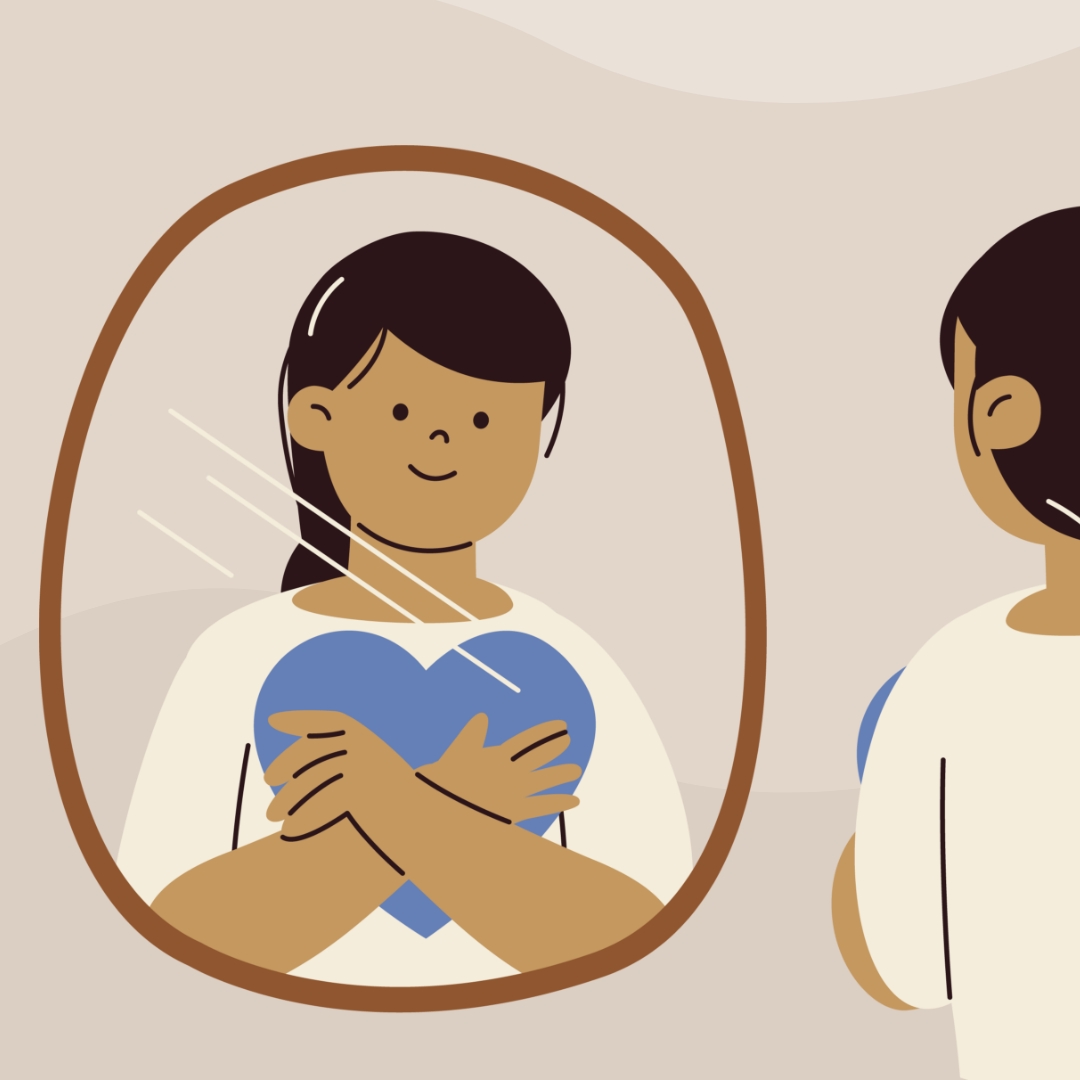
I've been noticing the ways I can be rude, in person and on my phone. This week I share two recent examples of my own, plus why correcting myself out loud strengthens self-awareness. The talk that follows isn't about your kid. It's about you going first.
READ MORE >
An Oakland library has started lending out sports equipment and games alongside books, so families can borrow gear to use at nearby parks. It is a reminder that borrowing and lending between families is a simple way to fill a summer afternoon without a screen, while quietly modelling generosity and humility. We are out of practice at asking, but the person on the other end is usually glad to help.
READ MORE >
E-readers are convenient, but there are three reasons to lean toward paper books this summer. First, e-readers are screens, and the pull of everything else you could do on one makes it harder to stay immersed. Second, a large meta-analysis found people understand and remember slightly better on paper, especially with longer texts. Third, easy access to endless book samples makes it too tempting to jump ship rather than work through the slower parts, since reading, unlike TikTok, is about delayed gratification.
READ MORE >for more like this, DR. DELANEY RUSTON'S NEW BOOK, PARENTING IN THE SCREEN AGE, IS THE DEFINITIVE GUIDE FOR TODAY’S PARENTS. WITH INSIGHTS ON SCREEN TIME FROM RESEARCHERS, INPUT FROM KIDS & TEENS, THIS BOOK IS PACKED WITH SOLUTIONS FOR HOW TO START AND SUSTAIN PRODUCTIVE FAMILY TALKS ABOUT TECHNOLOGY AND IT’S IMPACT ON OUR MENTAL WELLBEING.